Beta 7.3 released
Bugfixes to tide things over while I work on the next major release.
Fixed crash on '&' in generated ramps (thanks Anonymous)
Moved html/rtf creation into a separate class
Fixed xhtml character encoding, and specified it in the file
Starpilots - Gasping for Air
If you’re wondering why I linked to a video for a Austrian band, keep watching to see what a professional film production company can do with the program. It almost makes the time I spent doing the batch conversion stuff worth it.
Handmade ASCII Video
Done manually by Dwayne using the Ascgen dotNet, and Wordpad (!).
Beta 7.2 released
Changes:
Changed rtf output to be ASCII instead of Unicode/UTF to make them work in other programs
Added automatic version checking against the sourceforge website
Added “check for new versions?” bool to the variables and settings file
Moved the version number into a structure instead of one variable
Moved most effects applied to the output into classes
Moved apply convolution matrix function into the ConvolutionMatrix structure
Moved ascii conversion related files into a new folder
Changed solution to compile without warnings in Visual C# Express
Added “Copy Ramp to Clipboard” to the edit menu
Moved ramp menu items into a sub-menu
Moved font related menu items into a sub-menu
Batch Conversion/Settings:
- Restored missing resource string for Auto button/right click menu
- Changed auto button right-click menu to a menustrip
- Fixed problem with disabled Ok button when the regional settings decimal symbol isn’t “.”
- Added setting backcolor of an invalid textbox to red
- Fixed tab order
- Fixed problems with invalid character sizes being allowed
Server move complete
All my sites have moved from the ultra-cheap and slow dreamhost account to a new and not-cheap account on Host Gator. Everything should now be up and running properly, plus faster and more reliable.
There are a few changes done for the next version of the program, but nothing worth pushing out yet since it’s mostly internal work in preparation for a planned new feature.
I’ve also added a quick check of the current version against the latest on the sourceforge website, so you’ll be notified as soon as a new version is available (assuming that you use it regularly). It’s just a shame I hadn’t done it before 0.6.9, which still gets downloaded hundreds of times more then the latest version every single freaking day.
Beta 7.1 released
Changes:
Removed “Force Greyscale” option when saving images, and set it to always output greyscale
Added “Font…” to the edit menu
Added “+” to the center of the selected area when moving it
Fixed pictures not being released after they have been loaded
Fixed brightness/contrast not being applied to the colours when saving as a colour image
Fixed saving as html/colour text with ansi and other non-standard characters
Small improvement to outputted css
ASCGEN dotNET Tutorial 1 - Creating an ASCII image
(Document v3.0, using Ascgen dotNET 0.9.7(pre), updated 20080402)
In the first in a series of tutorials on how to use the ASCGEN dotNET, I show you how to convert an image to a high quality fixed width text image with just a few simple steps and very little effort.
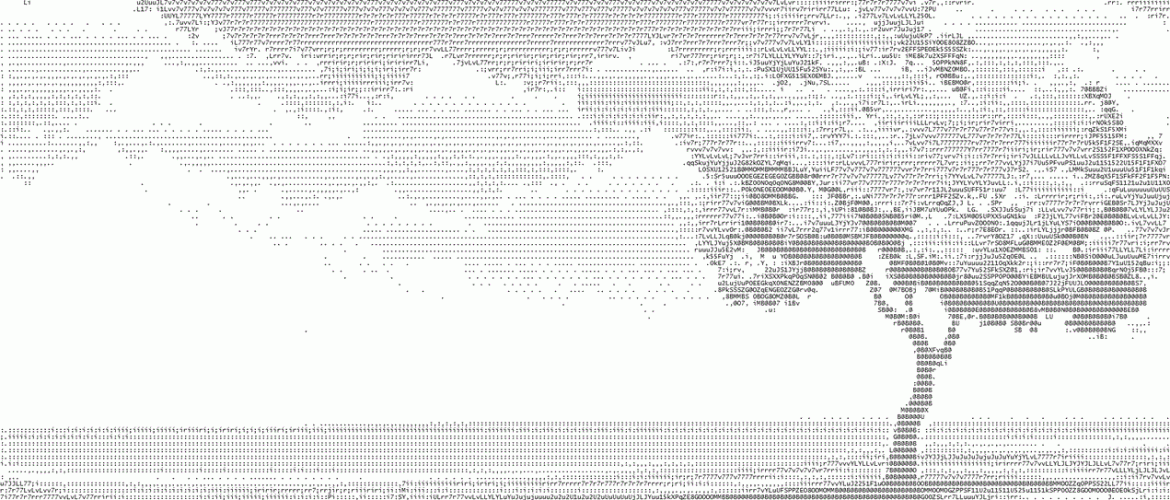
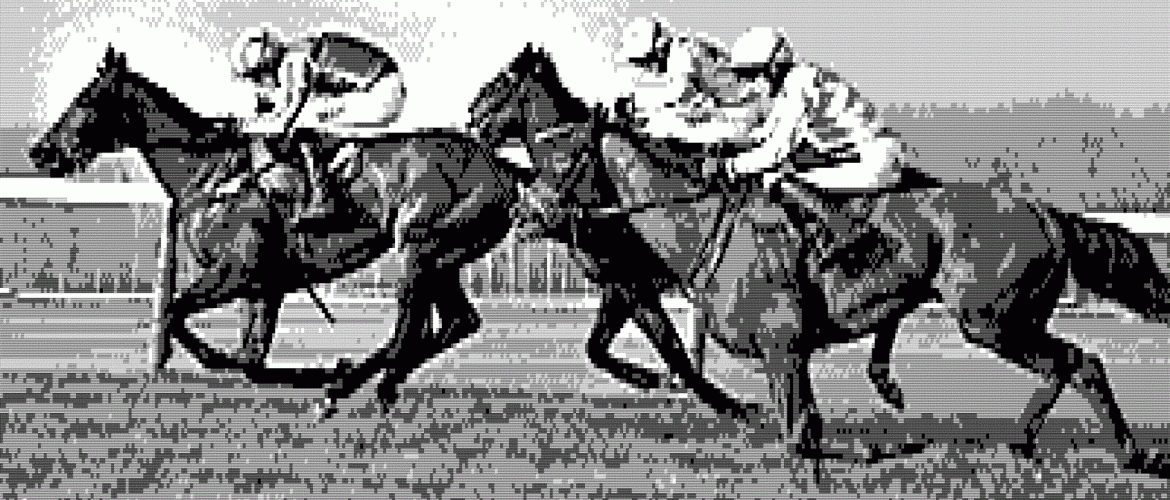
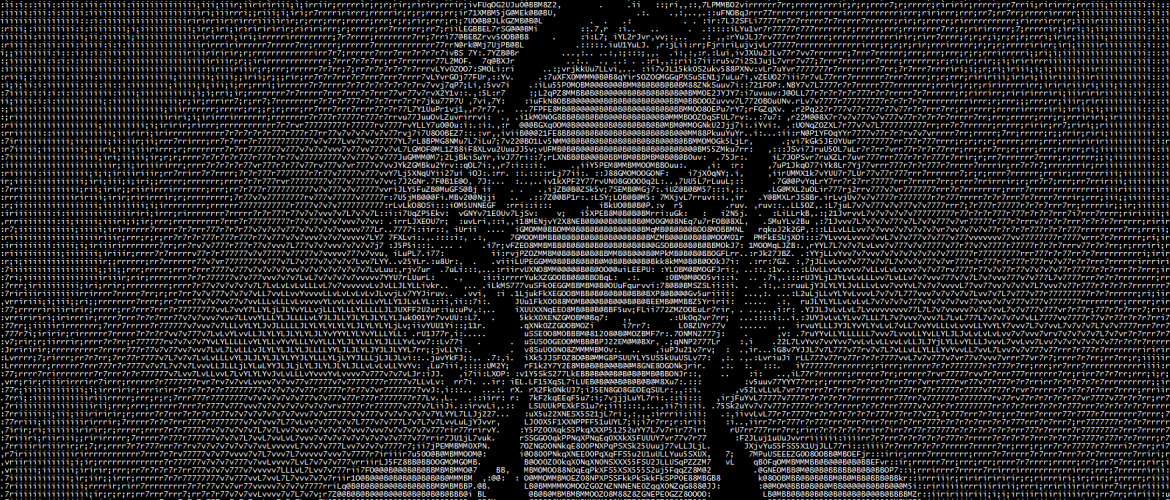
We will be going from this
About the current version
First, a note to people still downloading the previous version: STOP IT. That is what happens when you link directly to a file instead of the download page.
Things I forgot to mention:
- The save as 8-bit colour output is currently using the inbuilt gif compression to reduce it down to <256 colours. It isn’t very good at it, so the output will be much better if I ever get around to writing my own octree quantization code (or find some gpl code to do it).
- To get the best results, check the invert output button so it has white text on black, then “save as colour text”, and save as 8-bit XHTML. I’ve been meaning to write some tutorials for a long time.
- If you want to save it as an image, to print or whatever, I would suggest the Save As Image plugin for firefox. Then just load the html into firefox and you rightclick to save the page as a png.
Beta 7.0 Released - COLOR OUTPUT
Changes in this version:
Added “Save as Colour Text” to output as html and rtf files with the Color information added
Added menu links to the report a bug and feature request pages
Changed batch conversion form from contextmenus to contextmenustrips
Added saving as html files
Now don’t say I don’t do anything for you people.